
Product limit per Kaspi order
Set the product quantity at the point of sale: the buyer cannot order more than the available stock, and the quantity decreases after an order.
How the limit works
Set a numeric quantity for the product at the relevant point of sale. It determines how many units a buyer can order at once: the available stock cannot be exceeded.
For example, 10 units
If the point of sale has 10 units, a buyer can order no more than 10 units of that product.
Stock decreases
Each order reduces the product quantity by the number ordered. For example, ordering 3 of 10 leaves 7.
How to set the quantity
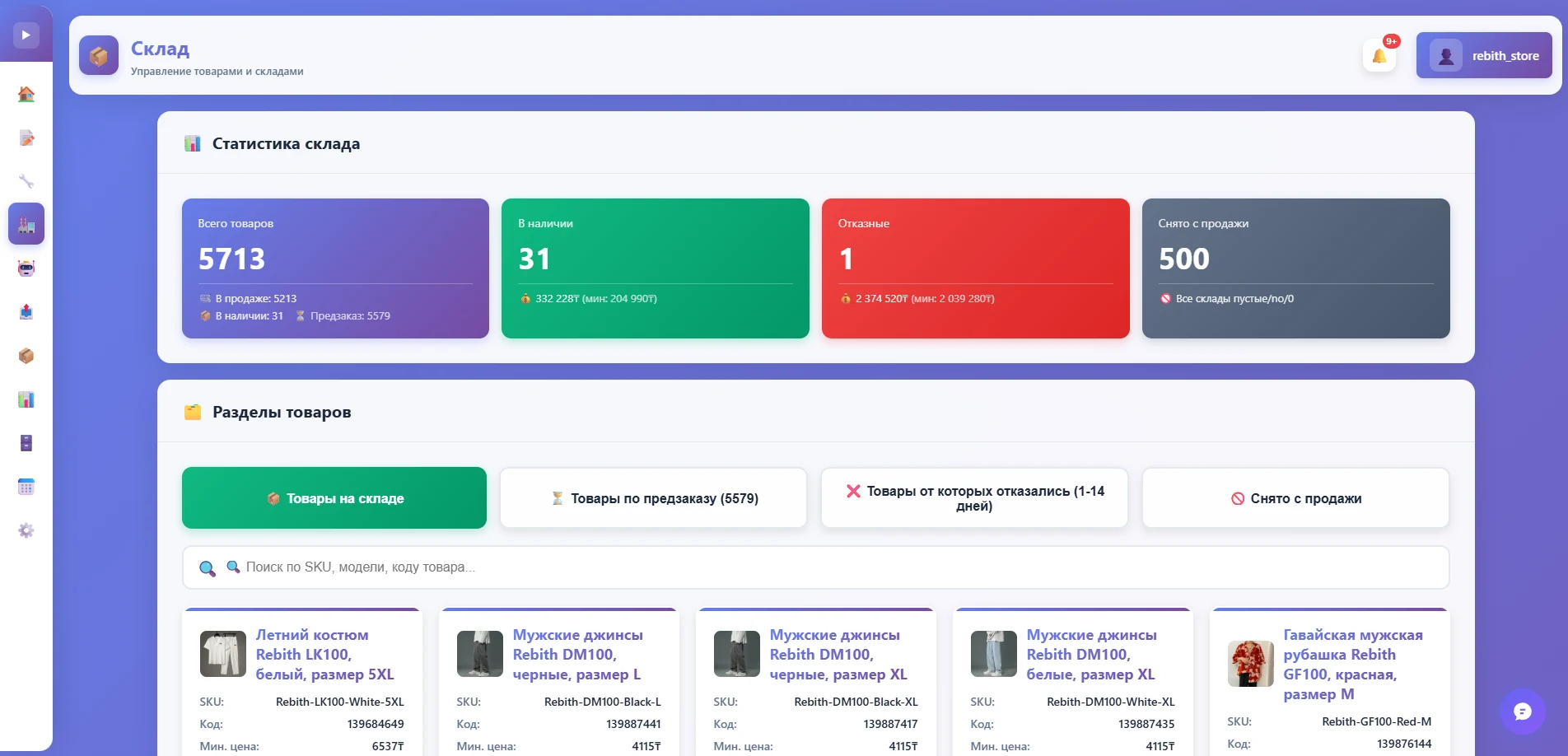
- Open the product in the price list or the “Warehouse” section.
- Enter a numeric quantity for the relevant point of sale, for example 10, and save the change.
- Once store data is updated in Kaspi, customers can order the product within the available quantity.
Numeric and unlimited availability
A number represents a specific stock quantity and limits units per order. The value yes means unlimited availability; enter a number for a numeric limit.
Frequently asked questions
How does the product limit per order work?
The quantity is limited by numeric stock at the point of sale: a buyer cannot order more than the specified quantity.
What happens to stock after an order?
Each order reduces the product quantity by the amount ordered.
What does yes mean?
Unlike a numeric quantity, yes means unlimited availability.
Where can I set the product quantity?
Enter stock for the relevant point of sale in the price list or the “Warehouse” section.
Try it for free
Registration takes a minute. Pay only after you're sure the bot works on your products.
Sign up →